
Dalang - Campaign Dashboard, formerly just Campaign Dashboard, is a desktop app for prepping and running a D&D campaign: writing the world and house rules, prepping locations and NPCs and jobs, running the actual session with a live battle map, and keeping a permanent record of what happened afterward.
Everything is stored in a local file on your machine, not in the cloud, so your notes and any NPC secrets stay private. It works for async play / Play by Post just as well as sitting at a real table or on a call, the live-session tools like the battle map and the Player Window are built specifically for that in-person side.
 Get Dalang on itch.io
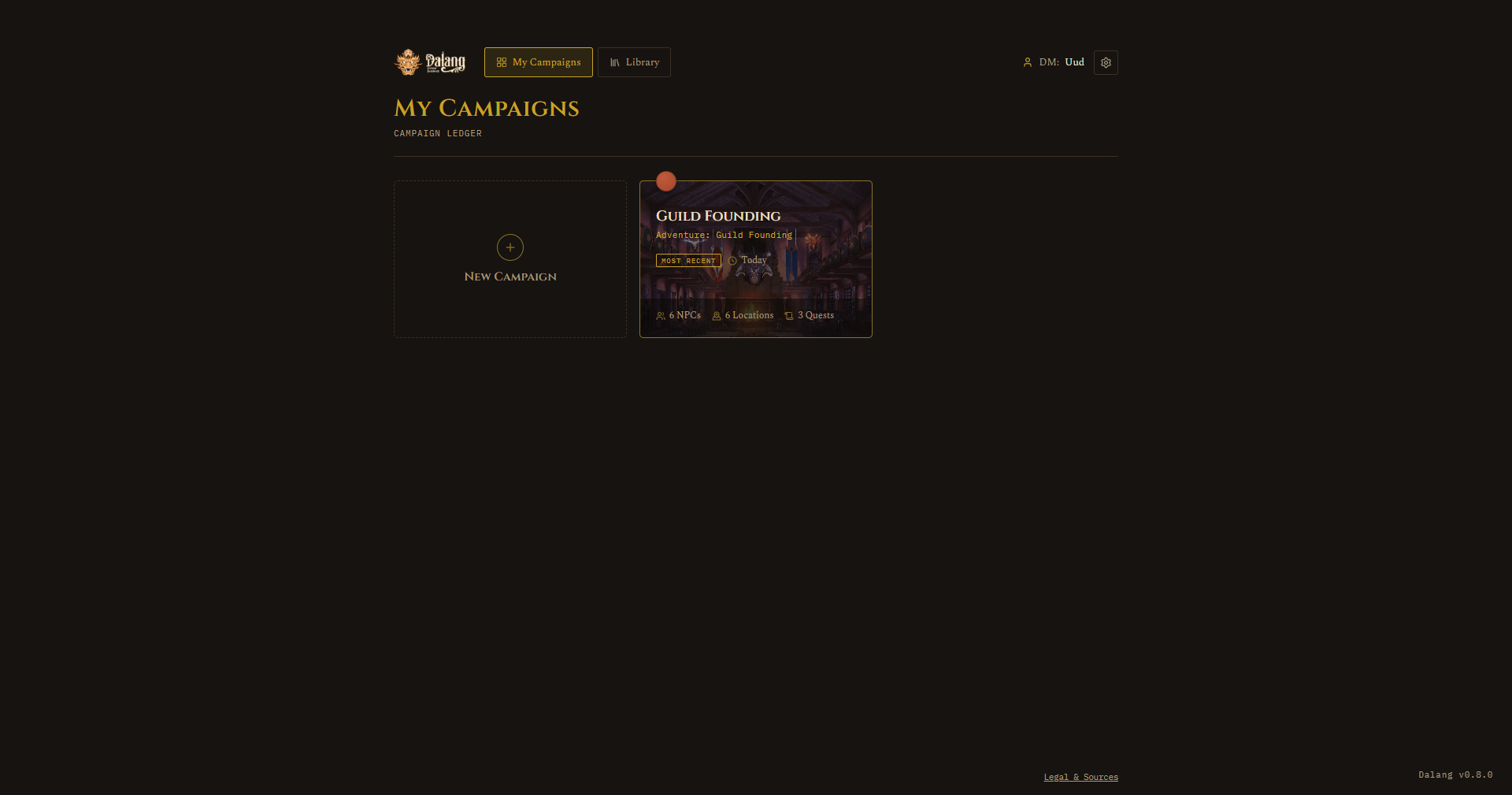
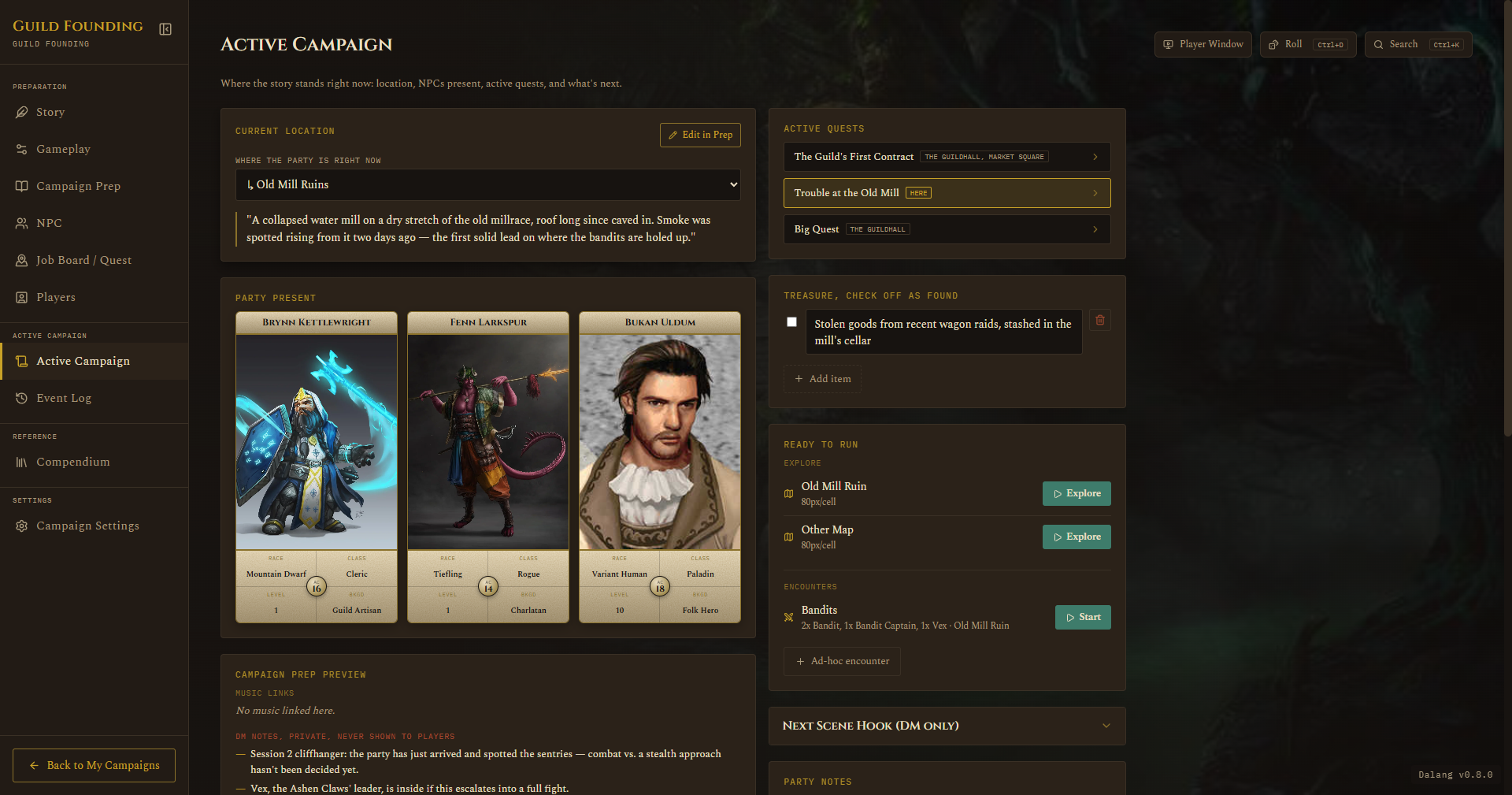
Screenshots throughout this guide are from a throwaway demo campaign (Guild Founding), not real campaign content.
What's new
v1.0.0
- Renamed to Dalang - Campaign Dashboard, formerly just Campaign Dashboard.
- A turn order panel, showing whose turn it is, now appears on both Focus Mode and the Player Window.
- NPCs can now be linked to a Compendium monster for real combat stats, see NPC.
- Added a way to import a character straight from a D&D Beyond character URL, see Players.
- A global dice roller, reachable from any tab, see the Dice Roller page.
- DM Settings has a new Background Image field, shown behind My Campaigns and the Library, see Getting Started.
- A built-in Legal & Sources page, reachable from the My Campaigns footer, see the Legal & Sources page.
- The Active Campaign view and the Player Window's idle screen now fall back to the campaign's own background image instead of going blank.
Guide
Pick a page below, or use the sidebar to jump straight to a specific feature.